How Sydney Airport parking pre-booking works
One booking engine, one confirmation email, one QR code at the barrier. Here is the whole flow, from picking a car park to scanning out at the end of your trip.
Where bookings actually happen
Online reservations for Sydney Airport parking are only issued through the airport's own booking engine at prebook.sydneyairport.com.au. That is the official channel, and it is the one every step on this page points to.
You choose your product inside that engine — a domestic car park, an international product, or a valet service. The rest of this site explains the options so you walk in knowing what you are picking. The transaction itself happens there.
Worth knowing before you type anything: because it is a single official engine, there is no reason to hand your card details or booking reference to any other site that claims to reserve on your behalf.
What you need open before you start
- Your flight dates and timesEntry and exit times shape the rate you are quoted, so have the itinerary rather than an estimate.
- The terminal you fly fromDomestic and international parking are separate products for separate precincts. This is the field people get wrong.
- Which car park suits the tripSelf-park, long-stay or valet. The domestic and international pages here compare them before you commit.
- A card for the bookingPayment completes the reservation and triggers the confirmation email with your QR code.
Choosing a product in the booking engine
Whichever product you pick, the engine asks for the same core information: your dates, your times, and the terminal you are flying from. Answer those correctly and the rest is a short list of choices.
Getting the terminal wrong is the one mistake that sends you to the wrong side of the airport, so check it against your itinerary rather than memory. Domestic and international parking are sold as separate products for separate precincts, and the engine will not quietly fix a mismatch for you.
Domestic trips
T2 and T3 departures
Long-stay products such as Blu Emu and multi-level car parks at the domestic precinct. Price these first if you are flying within Australia or to a nearby destination.
Check domestic parking optionsInternational trips
T1 departures
Multi-level international car parks and a premium pre-booked option for travellers who want a shorter walk to the terminal.
See international parkingValet handoff
Drive up, hand over
A valet product puts a person between you and parking. You drive to the handoff point and the team takes the car from there.
Compare valet and self-parkCreating an account, or booking as a guest
If you fly from Sydney more than once a year
An account keeps your reservation history in one place and shortens the next booking, because the system already holds your details. It takes a couple of minutes and it pays off the second time you travel.
It is also the simplest route back into a booking you made months ago. Log in, find the reservation, and manage it without hunting through old email folders.
If this is a one-off trip
Guest booking works exactly the same and nothing is lost. The engine still confirms your reservation and still sends the confirmation email with the QR code, which is all you need at the barrier.
The one thing a guest booking does not do is store your details for next time — so keep the confirmation email and your booking number somewhere you can find them, because that pair is how you look the reservation up later.

Your confirmation and QR code
After payment you receive a booking confirmation email. The QR code inside it is not a receipt — it is your entry pass. Scan it at the entry gate and the barrier opens, activating the parking you already paid for.
You can also save an Apple Wallet e-ticket and present that instead. Both routes land at the same place: the gate recognises the reservation and lets you in without manual processing.
Before you leave home
Screenshot the QR code or save the e-ticket to your wallet while you still have a reliable connection. Mobile coverage at a car park barrier is not something to bet a flight on, and a screenshot works with the phone in flight mode.
What arrives in the email
- Your QR code, which is the pass you scan at the entry gate
- An Apple Wallet e-ticket you can add before you travel
- Your booking number, needed for any later lookup or change
- The car park, the precinct and the entry method you selected
Entering the car park
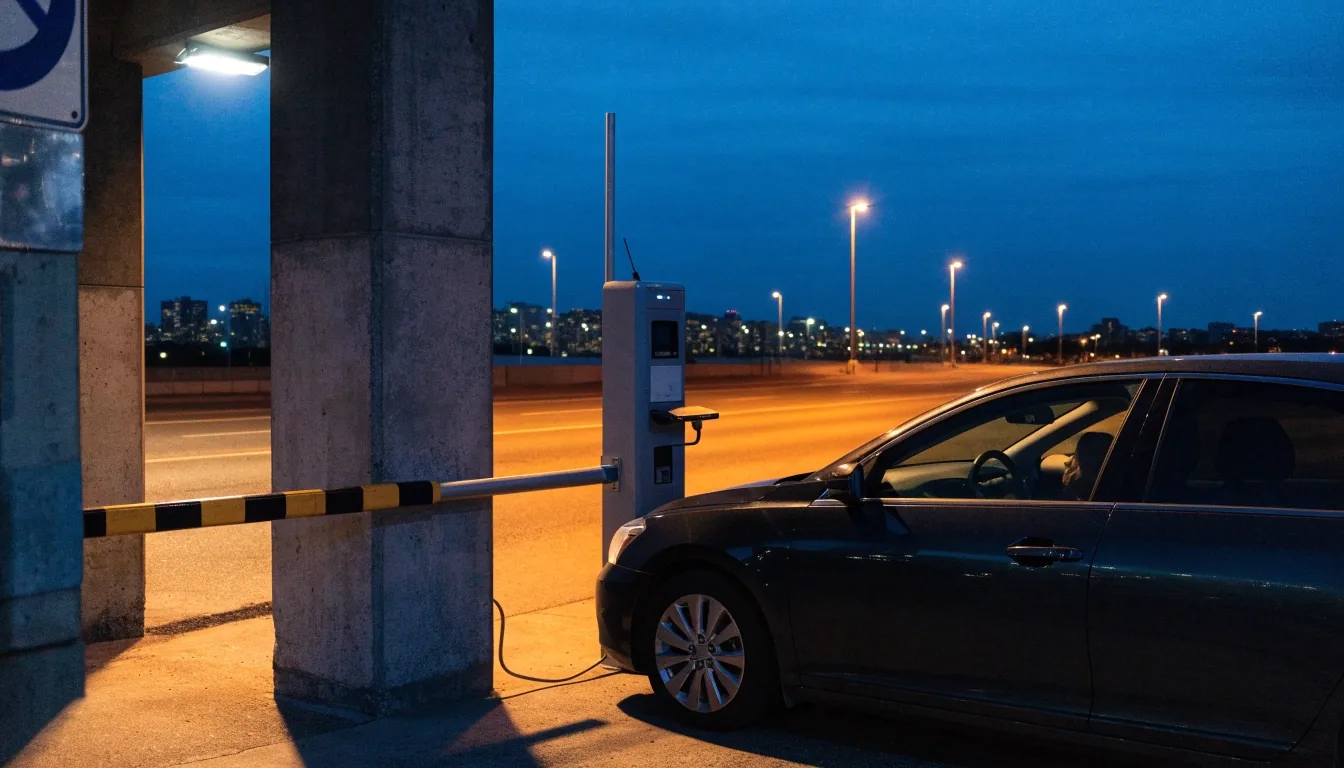
At the gate, scan the QR code from your confirmation email or present the Apple Wallet e-ticket. That is the current entry method and it is built to work without a ticket and without a conversation.
-
Step one
Pull up to the entry lane
Take a lane marked for pre-booked entry. Have the QR code or e-ticket open on the phone before you reach the barrier.
-
Step two
Scan or present the pass
Hold the code to the reader, or show the wallet e-ticket. The gate checks the reservation and raises the barrier.
-
Step three
Park or hand the car over
Self-park products: find a space and walk to your terminal. Valet products: drive to the handoff point and the team takes it from there.
-
Step four
Drive out on return
The same booking closes out your stay. There is no paper ticket to keep track of for the length of your trip.
Managing or changing a booking
Plans change, and the system is built for that. Look the reservation up with your email and booking number, then manage it from there instead of starting a fresh booking beside it.
That lookup is also the route for cancellations. Do it before you travel rather than explaining the situation at the barrier, because the barrier has no way to adjust a booking — it only reads what is already attached to your code.
If a flight moves by an hour, check whether your entry window still covers you. If it does not, update the booking through your account. It is a two-minute job before you leave and a much longer one after you land.
Changes you can make yourself
- Retrieving the reservation
- Email plus booking number, or log in to the account you booked with. Both routes return the same reservation with its dates, times and car park attached.
- Adjusting entry or exit times
- Update the booking if your arrival window no longer matches your flight. Leaving the original times in place is how a smooth arrival turns into a conversation at the gate.
- Cancelling a trip
- Cancel through the lookup rather than abandoning the booking. An active reservation you never use still sits against your details, and the record is cleaner if you close it properly.
- What the barrier cannot do
- It reads the code and raises. It does not extend a stay, move a car park, or apply a change. Every adjustment happens in the system, before you drive in.
When the booking pays off most
Booking for longer trips
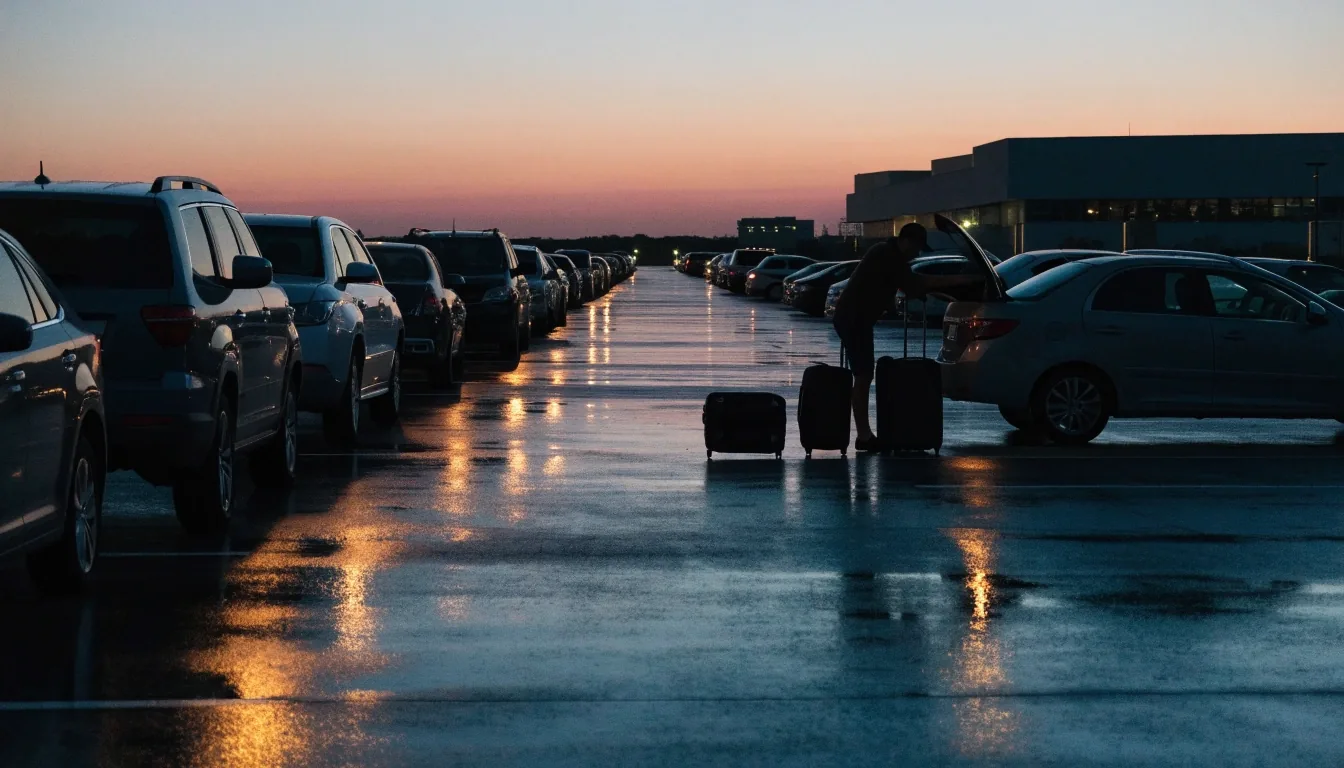
Long stays are where pre-booking earns its keep most visibly. The airport states that pre-booking can save up to 70% against drive-up rates, and on a two-week international trip that percentage applies to a much larger number than it does on an overnight.
Long trips also gain something less measurable than price: certainty. You know which car park you are heading for, which precinct it sits in, and how you get through the gate, all before you leave home. That is worth having on the morning of a long flight.
For domestic long stays, price the long-stay and multi-level products against each other. For international, the multi-level car parks and the premium pre-booked option. Book as soon as your flights are confirmed rather than the week before you fly.
Accessible parking
If you hold a mobility parking permit
Accessible parking is covered across both the domestic and international lineups. Book through the same booking engine you would use for any other product, and note your requirement when you reserve so the right bay is held for you.
Book as early as your travel dates allow. Accessible bays are a limited set within each car park and they face the same demand as everything else during school holidays and long weekends. This is one of the few cases where booking early is genuinely load-bearing rather than general advice.
Do not leave it to arrival. Turning up and hoping is the one route through this process that has no guaranteed outcome, and it is easy to avoid with a booking made a few weeks ahead.
What to keep and what to ignore
Pre-booking parking at Sydney Airport is deliberately a short transaction. Keeping the right three things and ignoring everything else is the whole trick.
Keep
- The confirmation email, in a folder you can search later
- The QR code, saved offline as a screenshot or in your wallet
- The booking number, which unlocks any change you need to make
Ignore
- Anything asking you to pay outside the official booking engine
- Printed passes to collect, or a check-in step before the gate
- Phone calls to confirm a booking that already emailed you a code
Book, receive confirmation, scan at the gate. There is nothing else in the flow, and any step beyond those three is a sign you have ended up somewhere other than the official engine.
Common questions
Short answers before you book
The handful of things travellers ask most often about pre-booking parking at Sydney Airport, answered plainly.
Can I book as a guest without creating an account?
Yes. Guest booking produces the same confirmation email and the same QR code. Keep the email and the booking number, because that pair is how you look the reservation up if anything changes.
What if I booked the wrong terminal?
Retrieve the booking with your email and booking number and manage it from there. Domestic and international parking are separate products for separate precincts, so the fix is a change in the system rather than something the gate can sort out on the day.
Do I need to print anything?
No. The QR code on your phone or the Apple Wallet e-ticket are both accepted at the barrier. If you would rather carry something physical, a printed copy of the QR code works too, but it is not required.
What happens if my flight is delayed on the way home?
Your booking covers the stay you reserved. If the delay pushes your exit past what you booked, use the lookup to review and adjust the reservation rather than assuming the gate will absorb the difference.
Is pre-booking cheaper than paying at the gate?
The airport states pre-booking can save up to 70% against drive-up rates, and the gap is widest on long stays. Exact pricing varies by product, precinct and date, so compare the products before you commit.
The whole process, once more
Book, receive confirmation, scan at the gate
Three steps and a code. Everything else on this page exists to make those three steps predictable on the morning you fly.
If you are still deciding which product fits your trip, compare the domestic and international options first, then set up your booking in the official engine with your itinerary in hand.
Phone
+61 2 9667 9111
Office
Level 3, 241 O'Riordan Street, Mascot, NSW 2020, Australia. Open 24 hours, 7 days a week.